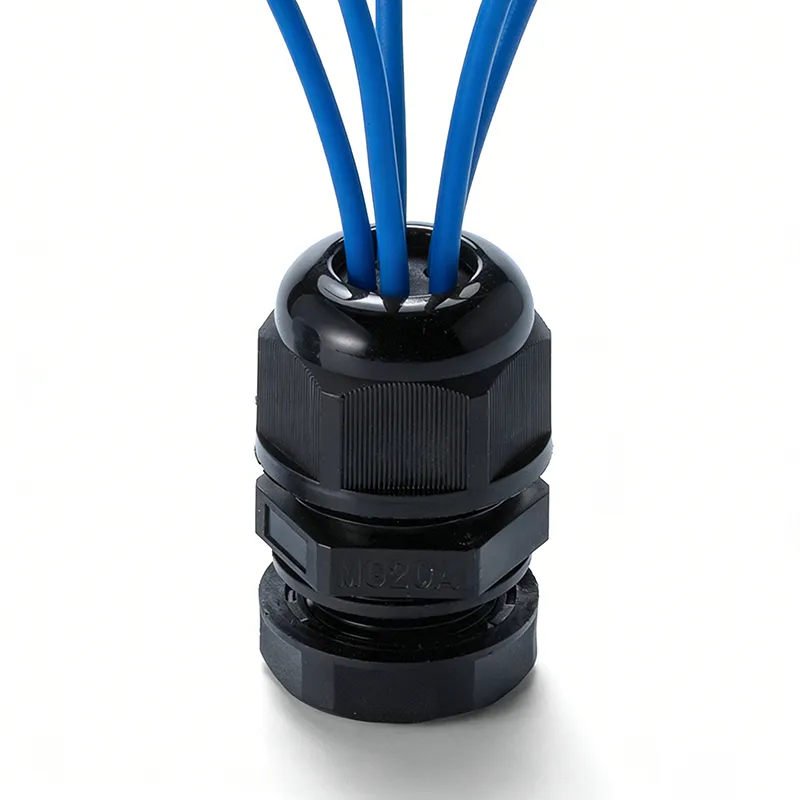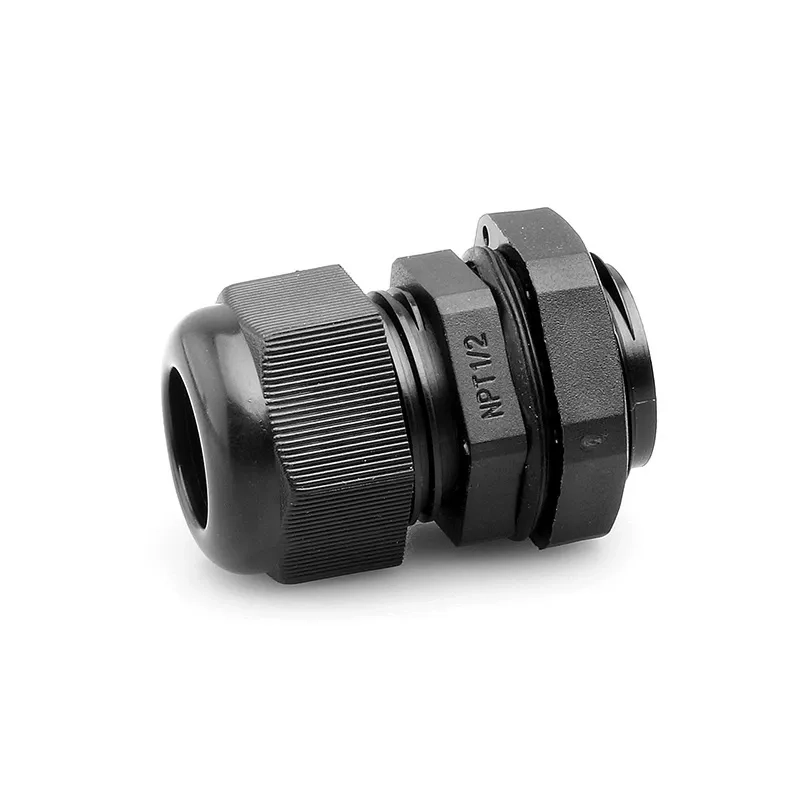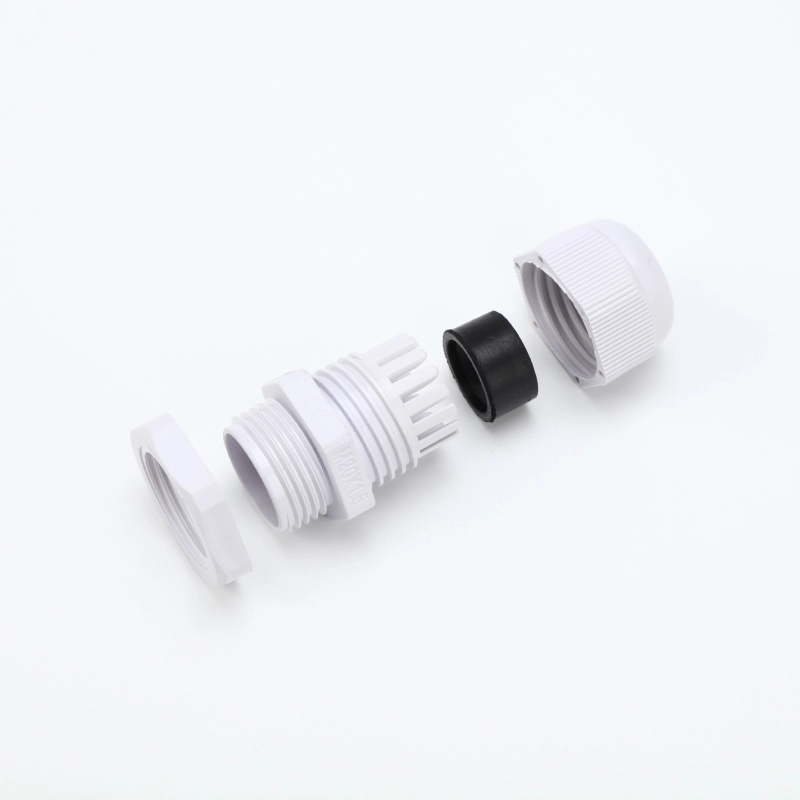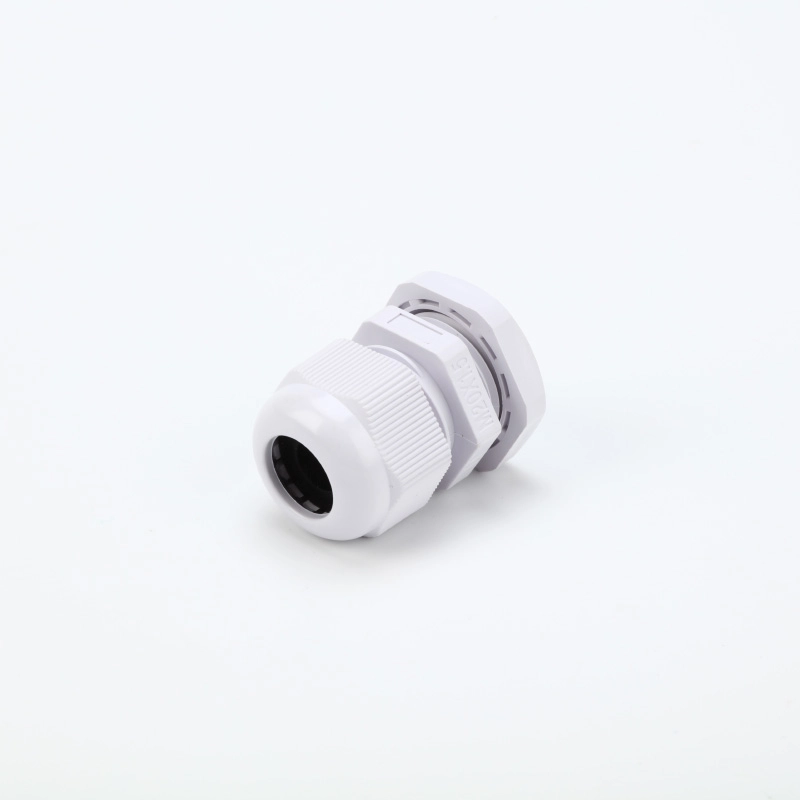
To specify a multi-hole cable gland, provide the number of cables, the outside diameter of each cable and the enclosure entry details. Then confirm the sealing insert, mounting accessories and any plugs needed for unused holes.
A thread size alone does not define the complete configuration. Two glands with the same mounting thread may have different hole counts and different cable ranges per hole.
List Every Cable and Its Outside Diameter
Start with the cables that will pass through the gland. Record the outside diameter over the cable jacket, rather than the conductor cross-section or nominal cable designation.
For each cable, provide:
- The cable quantity.
- The outside diameter in millimetres.
- Any known minimum and maximum outside diameters.
- Whether a connector is already fitted to the cable.
On CHSO’s multi-hole product table, Cable Range means the supported outside diameter of one cable in each hole. It is not the combined diameter of all cables passing through the gland.
If the cable supplier provides an outside-diameter range, send that range for checking against the selected insert. A nominal measurement alone may not describe every cable supplied.
Match the Hole Count and Cable Range
The number of holes available depends on the gland and sealing insert size. Smaller glands may accommodate two holes. Larger gland bodies allow larger rubber inserts, which can accommodate more holes, depending on the hole diameters and layout.
Choose the configuration by checking both the hole count and the cable range per hole. Do not select a larger gland solely because it has more openings.
Before ordering, confirm:
- Which gland model accepts the required insert.
- How many cable holes the insert contains.
- The supported cable diameter range for each hole.
- Whether the proposed cable combination is suitable for that configuration.
The insert’s hole diameter and its supported cable range are separate specifications. Use the stated cable range rather than assuming that a hole marked with one diameter accepts only that exact cable size.
If the cables have different outside diameters, list them separately. Ask the supplier to confirm a suitable arrangement rather than assuming that one insert can accommodate every combination.
Refer to the multi-hole cable gland dimensions for the available models, then confirm the insert against your cable list.
Confirm the Enclosure Entry and Mounting Space
The mounting thread must match the enclosure entry. Specify the thread standard and size, including the pitch where applicable.
For an unthreaded entry, provide the hole diameter and panel thickness so the mounting arrangement can be checked. Also confirm that there is enough room inside the enclosure for the locknut and around the gland for installation.
The mounting information should include:
- A threaded or unthreaded enclosure entry.
- Thread standard and size, or the unthreaded hole diameter.
- Panel thickness.
- Available space for the locknut and installation tools.
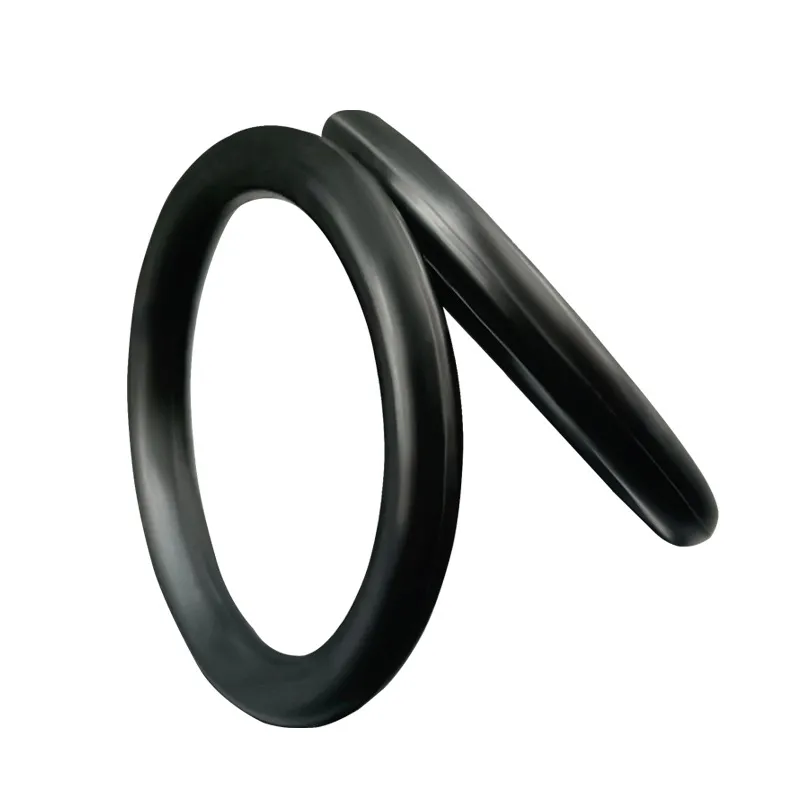
- Any sealing washer or O-ring required at the enclosure interface.
If the thread is uncertain, use the enclosure drawing and the cable gland thread reference to identify it before selecting a model.
For cables with fitted connectors, provide the connector dimensions as well. Confirm that the cable assembly can pass through the selected gland and insert before ordering.
Specify Plugs for Unused Holes
If an insert has more holes than the installation needs, identify the unused openings when requesting a quotation.
CHSO can supply matching plugs as optional items. State the required plug quantity and ask for confirmation that they match the selected insert. They should be included in the quotation when needed.
An unused opening should not be left open when sealing is required. However, fitting a plug does not by itself establish an IP rating for the assembly.
CHSO’s optional plugs have no certification, and its multi-hole cable glands are not offered as UL-certified products.
For an installation with a specified ingress-protection requirement, request confirmation of the exact gland, insert, cable ranges, plugs and enclosure sealing arrangement. Refer to the IP rating and installation conditions for the general factors that affect sealing.
Confirm the Complete Configuration Before Ordering
Use a short specification table to keep the cable requirements and supplied components clear.
| Item | Information to provide or confirm |
|---|---|
| Cables | Quantity and outside diameter of each cable |
| Diameter variation | Known minimum and maximum outside diameters |
| Sealing insert | Hole count and supported cable range per hole |
| Enclosure entry | Thread standard and size, or unthreaded hole diameter |
| Mounting | Panel thickness and available installation space |
| Fitted connectors | Connector dimensions, if present |
| Unused holes | Number of unused openings and optional plugs required |
| Materials and environment | Requested materials, temperature and relevant exposure conditions |
| Protection requirement | Required IP rating and evidence for the proposed configuration |
| Supplied components | Gland, insert, locknut, enclosure seal and optional plugs |
| Order quantity | Quantity for each confirmed configuration |
Hypothetical specification example: an installation has three round cables, each with a nominal outside diameter of 4 mm, and an M20 × 1.5 threaded entry. This information is a starting point for selection. The supplier still needs to check any cable diameter variation, the insert’s supported range, mounting dimensions and sealing requirements before confirming a model.
Send Your Cable and Entry Details
Send CHSO the cable count, each cable’s outside diameter and your enclosure entry drawing. Include any unused holes and protection requirements so we can check the proposed configuration before quoting.